Laptop Stand for Bed Guide: Protect Your Circadian Rhythm
By Aisha Chen • 16th Apr
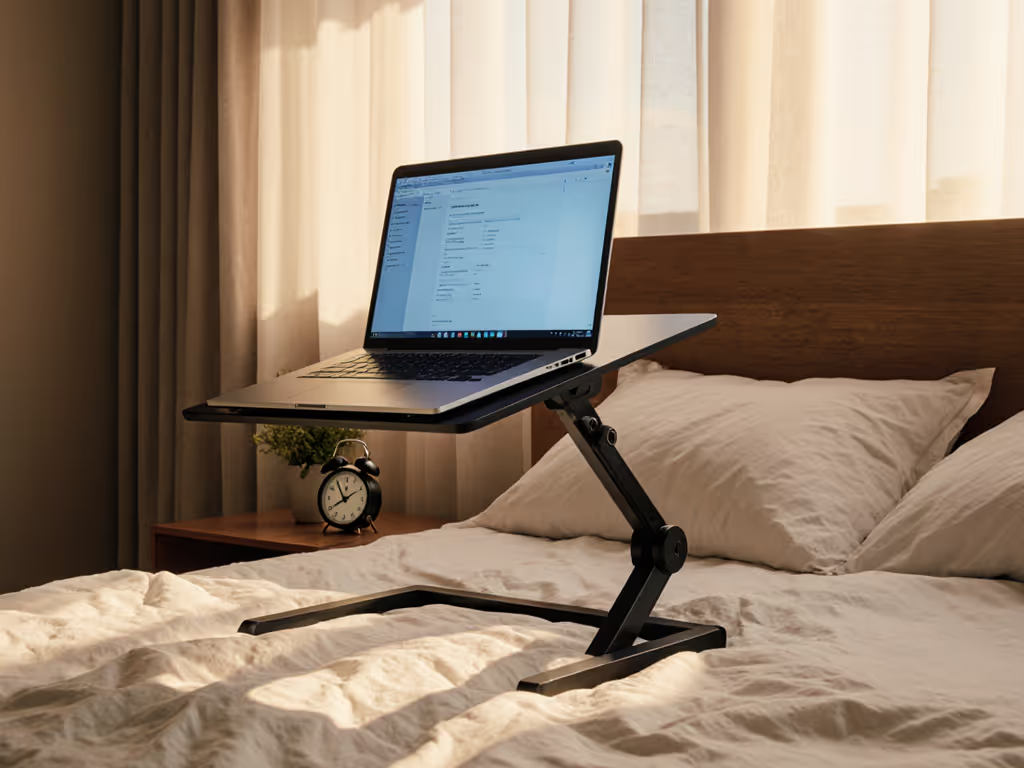
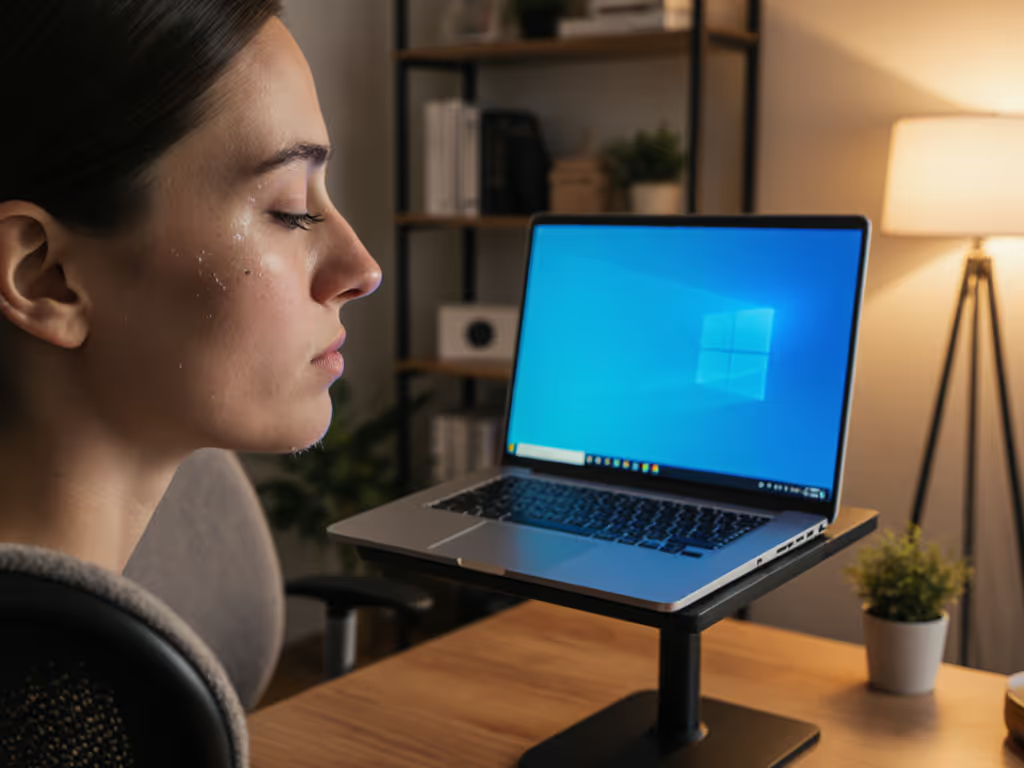
Working from bed is a slow-motion circadian disaster, but the right laptop stand for bed can reclaim your sleep. Evening work positioning, screen height, and light exposure directly influence melatonin production and sleep onset timing. When your laptop sits flat or low on bedding, you're forced into forward head posture while bathing your face in full-spectrum light at the exact moment your body signals sleep onset. The solution isn't avoiding bed work; it's architecting your circadian rhythm ergonomics to preserve both comfort and sleep quality.
Why Bed Work Threatens Your Sleep, and How Height Fixes It
Your circadian rhythm responds to light timing and body position. When you work on a laptop in bed (especially in evening hours), three ergonomic failures cascade:
-
Screen height forces downward gaze. Low screens trigger forward head posture, which tenses your upper traps and shoulders. A 15-inch drop in screen height increases neck extension by 30-40 degrees, research confirms. This muscular tension lingers after you close the laptop, keeping you alert.
-
Proximity amplifies light exposure. Laptop screens emit blue-spectrum light (460-480 nm wavelength) at 100+ lux from 12 inches away. This intensity suppresses melatonin onset by 30-50 minutes. Working at lap-height extends light exposure directly into your visual field when melatonin should peak.
-
Reclined or semi-reclined posture destabilizes your spine. Beds offer no back support, forcing core engagement to compensate. Sustained isometric tension in the trunk delays parasympathetic activation (your body's rest signal).
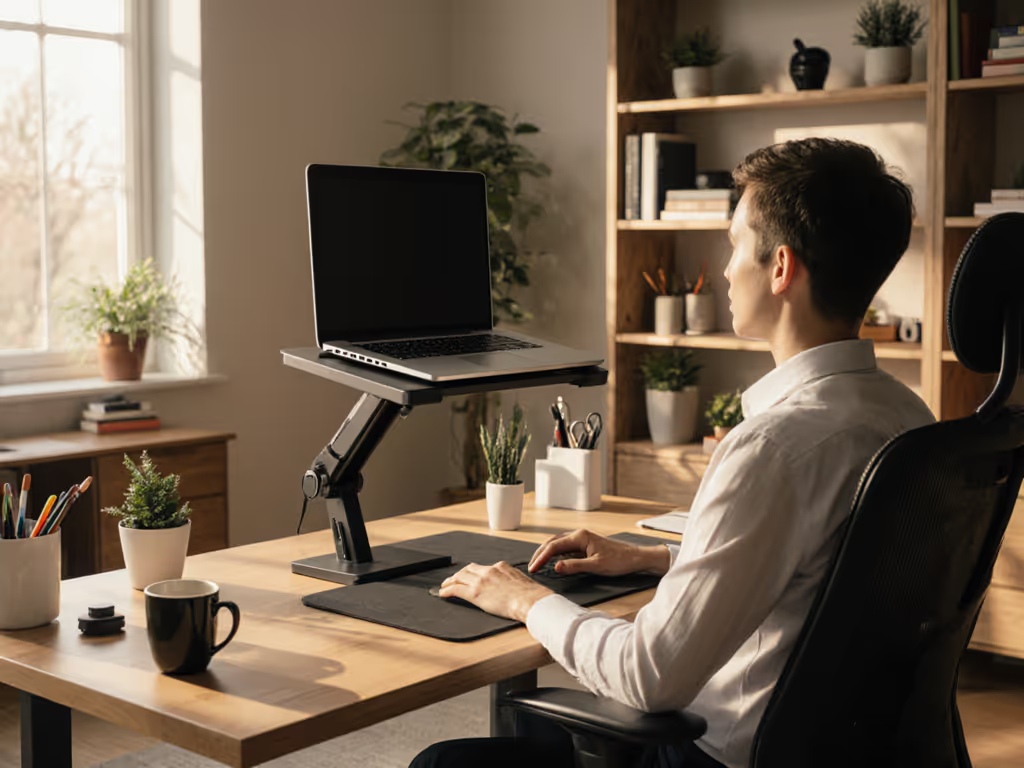
A nighttime screen height of 15-20 inches above your lap (achieved with a dedicated bed stand) allows a neutral cervical spine and redirects light exposure downward and away from your eyes' primary field. This simple geometry preserves melatonin timing and protects sleep architecture. To dial in your exact eye level, use our stand height calculator.
Positioning for Evening Work: Height, Angle, and Light Management
Evening work demands precise positioning. Here's what the data supports:
Screen Height Windows for Bed Positioning
- Eye level from reclined posture (45-60° back angle): 10-18 inches above mattress
- Eye level from upright-seated (90° back angle): 12-20 inches above mattress
- Danger zone (neck strain + high light exposure): Below 8 inches; above 22 inches
Tilt Angle for Melatonin Protection
- Optimal downward tilt: 10-25° below horizontal
- Why: Directs screen light toward your chest and lap, not your eyes
- Glare reduction bonus: Minimizes ceiling and ambient light reflection on screen; see our glare-reducing stand comparison for environment-specific picks
Timing Sensitivity If you work on a laptop in bed after 8 PM, your circadian system is already primed for melatonin rise. Every additional hour of bright screen exposure can delay sleep onset by 15-30 minutes. A raised screen with downward tilt reduces effective light exposure to your eyes by approximately 40%, shortening the melatonin suppression window.
Evening work positioning matters more than morning work; your circadian system is unforgiving after sunset.
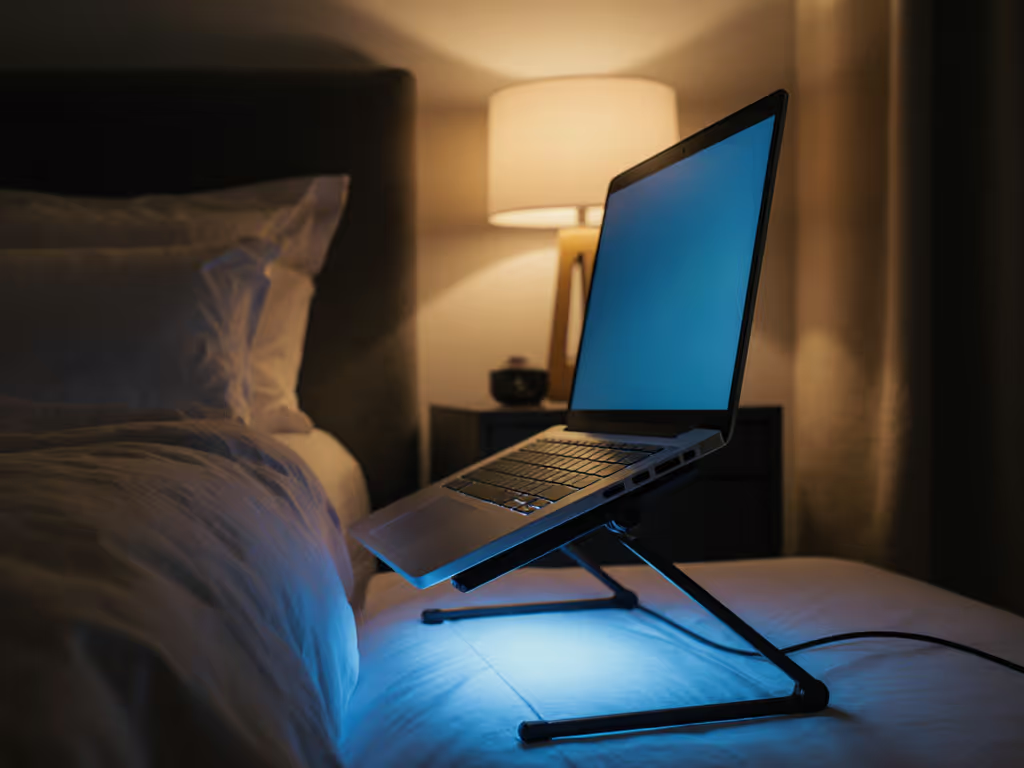
Selecting a Bed Stand: Setup Time and Packability
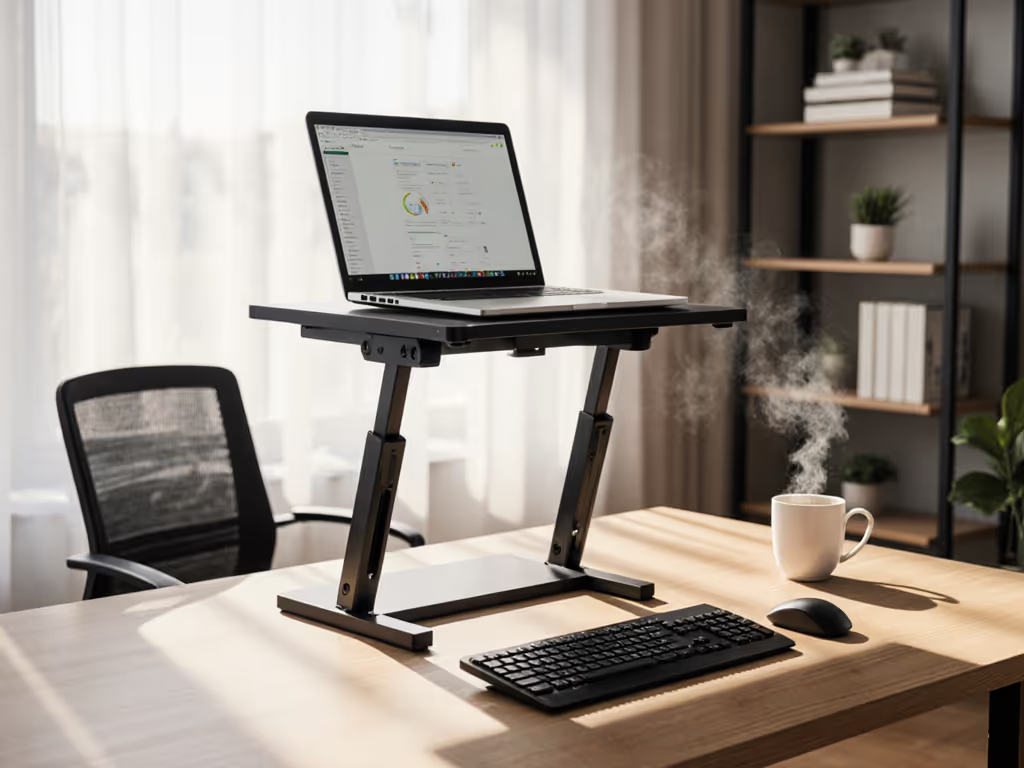
A functional bed stand solves three problems at once: height adjustment without wobble, fast setup time, and enough packability for portability if you travel or move between rooms. If you’re choosing between fixed-height and adjustable designs, see our adjustable vs fixed-height guide. The difference between a stand you'll actually use and one that gathers dust is whether deployment takes under 60 seconds.
Setup Time Checklist (60 Seconds or Less)
Your setup time should never exceed one minute. If it does, you'll skip the stand and work flat (defeating the entire purpose).
Pre-Setup (First use)
- Measure your mattress height and preferred back angle (45-60° is typical for bed work)
- Confirm your laptop weight and screen size fit the stand's load rating
- Test height range: Can you reach the lowest position? Can you see the screen at the highest?
- Mark your preferred height notch or position with a dot for repeatability
Daily Setup (Under 1 minute)
- Place stand on mattress, parallel to your body
- Position your laptop on the platform
- Lock any tilt mechanism or hinges, then test with a gentle press for wobble
- Adjust lumbar support so your spine is neutral, not reclined
- Time yourself: If this exceeds 60 seconds, the stand design is too fussy to sustain
Teardown
- Fold or collapse the stand
- Check for sharp edges or rough corners, as these catch on sheets and skin (I learned this the hard way when an ultralight stand's corner bruised my shoulder during a rushed airport-lounge call on a 14-hour work itinerary, turning what should have been a focused call into a distraction)
- Store flat under your bed or in a backpack if it folds under 3 inches
Weight and Volume Standards
For bed-specific stands, these specs determine whether you'll actually use them:
| Metric | Optimal Range | Why |
|---|---|---|
| Assembled weight | 1.5-3.5 lbs | Portable enough to move between rooms; heavy enough to resist tipover when typing |
| Folded thickness | Under 2 inches | Fits under a bed or in a backpack without bulk |
| Platform size | 12-18 inches wide, 9-14 inches deep | Accommodates 13-17" laptops; leaves room for wrist rests |
| Height range | 2-18 inches | Covers laptop-on-lap (2-6") to upright-seated (12-18") transitions |
A stand weighing 3-3.5 lbs won't fit in a laptop bag. A stand over 2 inches folded won't slide under furniture. These aren't aesthetic preferences, they determine whether you actually use the stand or abandon it after two days.
Call-Readiness from Bed: Camera Angle and Presence
Video calls from bed are high-risk for credibility unless you control the frame. A laptop stand does two critical things:
-
Raises your camera above eye level by 3-8 inches, eliminating the unflattering "looking up your nose" angle that makes even experienced professionals appear subordinate. A proper stand positions the camera at or slightly above eye level when you're seated upright. For more on framing and lens height, see our eye-level camera guide.
-
Creates distance between you and the screen, which on video translates to better framing and more direct eye contact with the camera lens.
The gap between "working in bed" and "looking professional on a call from bed" is often just 90 seconds of setup time and the right stand height. Pack lighter, set faster, look sharper on every call (this is non-negotiable when your office is temporary).
Risk-Reduction Tips: Avoiding Bed Stand Failures
- Test stability under load: Push the stand gently from the side while your laptop sits on it. Any wobble means it'll shift while you type, so avoid it immediately.
- Check port clearance: Confirm your charger cable doesn't thread through the stand's base, pinching the connector (common with USB-C and MagSafe laptops).
- Verify mattress compatibility: Soft or foam mattresses compress under a stand's feet, causing tilt shift over hours of work. Firmer mattresses are safer.
- Inspect every edge and seam: Run your fingers along hinges and corners. Sharp burrs catch on bedding and skin during setup.
- Monitor thermal performance: If your laptop has a history of fan activation during heavy work, ensure at least 2 inches of clearance beneath it for air intake.
Integrating a Bed Stand into Your Evening Routine
A bed stand is only effective if it actually protects your sleep. Here's how to make it stick:
Before 8 PM: Laptop work is fine at any height (your circadian rhythm isn't yet suppressed).
After 8 PM: Non-negotiable positioning:
- Use your stand at your marked height
- Angle the screen 10-25° downward
- Complete work by 10:30 PM (your melatonin suppression persists for 30-60 minutes after screen off)
- Transition to phone or paper for the final hour before bed
Payoff tracking: Note your sleep onset time (when you actually fall asleep, not bedtime). After one week of consistent bed-stand use with proper positioning, most people report 15-30 minute earlier sleep onset.
Further Exploration
The intersection of ergonomics, chronobiology, and daily work rhythm is still under-explored. Consider investigating: How does your own sleep architecture respond to evening work height adjustments? What's your current setup time, and can you cut it to under 60 seconds? Does downward screen tilt alone reduce your melatonin suppression, or does height matter equally? Your laptop stand for bed is part of a larger system, one that includes room lighting, device settings (blue-light filters), and sleep scheduling. The stand is your first intervention point, but the deepest sleep gains come from experimenting with the full stack.
Related Articles