Screen Height & Cognitive Load: Problem-Solving Performance
By Aisha Chen • 7th Mar

Your screen sits six inches too low. Every hour of focused work - every design decision, code review, or analytical sprint - requires your visual system and cognitive architecture to work harder than necessary. That is not a posture complaint; that is a performance penalty. Cognitive load optimization and the neuroscience of screen positioning are inseparable: where you place your display directly shapes how efficiently your brain processes information, solves problems, and sustains attention.
The Neuroscience of Screen Positioning
Cognitive load refers to the amount of information your working memory can process at any given time[6]. For a deeper dive into the neuroscience of focus, see how screen height shapes attention and problem-solving efficiency. When cognitive load spikes unnecessarily - due to physical strain, poor visual ergonomics, or suboptimal screen placement - your mental resources are diverted from the task at hand into managing discomfort and compensating for visual inefficiency[2]. You are not solving the problem better; you are just working harder to solve it the same way.
Screen positioning creates a cascading effect: suboptimal height forces neck extension or flexion, which increases extraneous cognitive load - mental effort spent on things unrelated to the task itself. Research on screen display parameters shows that even modest visual optimization yields measurable improvements[3]. But height is a specific lever: it determines whether your eyes naturally rest in their neutral convergence angle and whether your visual field stays within the documented optimal visual field height range.
A study on adaptive training tasks using head-mounted displays found that performance benefits from screen size only extend to approximately 20° of visual angle, after which larger displays actually decreased performance[1]. While that research focused on screen size, the visual angle principle applies to height positioning: there is an optimal window - not too high, not too low - where visual processing is most efficient and mental processing efficiency peaks.
Why Height Matters More Than You Think
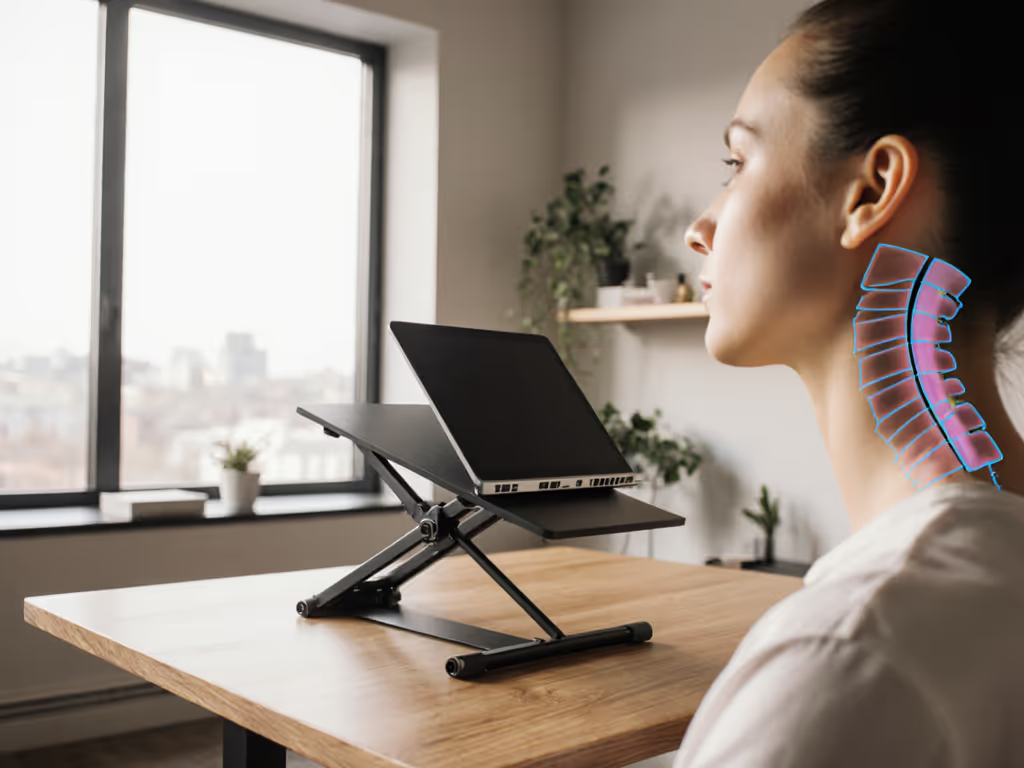
When your screen sits below eye level, your eyes must angle downward continuously. This creates sustained accommodation demand (eye focus adjustment) and convergence (eye angle adjustment) that consumes neural resources[2]. Your neck compensates by extending, loading the cervical spine and triggering the trapezius and levator scapulae muscles to stabilize. Over a 4-8 hour workday, that accumulated tension compresses the pathways between your brain and your working memory systems.
Conversely, screens positioned too high force upward gaze, which introduces a different set of compensations: upper back rounding, forward head posture (which shifts 10+ pounds of load onto your neck), and reduced blink rate. All three reduce oxygen flow to your prefrontal cortex, the region responsible for sustained attention and complex problem-solving[2].
The optimal zone is narrow: your eyes should naturally rest on the top third of the screen when you sit upright and look straight ahead. This alignment (achieved through proper problem-solving ergonomics) minimizes extraneous cognitive load and allows your full attention to remain on the work.
Contrast, Color, and Cognitive Performance
While screen height is the primary lever, contrast plays a supporting role. High-contrast displays reduce cognitive load: research using functional near-infrared spectroscopy (fNIRS) shows that low-contrast screens trigger significantly higher activation in the dorsolateral prefrontal cortex - your brain is working harder to extract the same information[2]. Slower reaction times and slightly reduced accuracy follow. This is why a screen positioned at the wrong height and set to poor contrast creates a compounding deficit.
Cognitive Performance Metrics: What to Measure
To translate theory into practice, focus on these cognitive performance metrics: For measurement frameworks and benchmarks, see our productivity metrics guide.
- Response latency: How quickly you move from reading a problem to acting on it. Elevated cognitive load increases this lag[2].
- Error rate and correction cycles: Fatigue-driven mistakes that require rework. Proper positioning reduces unnecessary errors[3].
- Sustained focus window: How long you can maintain deep work before attention fragments. Poor ergonomics collapse this window.
- Decision confidence: Subjective but real - proper positioning makes complex choices feel clearer.
A Practical Setup Checklist
Before adjusting your setup, measure your seated eye height from the floor while maintaining neutral posture. Then use our eye-level height calculator to translate your measurements into an exact target height. Then calculate:
Pack lighter, set faster, look sharper on every call. The principle applies here: a quick, repeatable setup means you will actually maintain it, rather than drifting back to comfort (poor posture) after the discomfort of adjustment wears off.
- Screen center: 15-20° below horizontal eye gaze when looking straight ahead. For most users, this places the screen roughly 2-6 inches below eye level depending on viewing distance.
- Viewing distance: 20-26 inches from your eyes to the screen. Closer distances increase accommodation demand; farther distances make text harder to resolve[5].
- Tilt angle: Slight downward tilt (0-15°) reduces glare and keeps the screen within your optimal visual field[1].
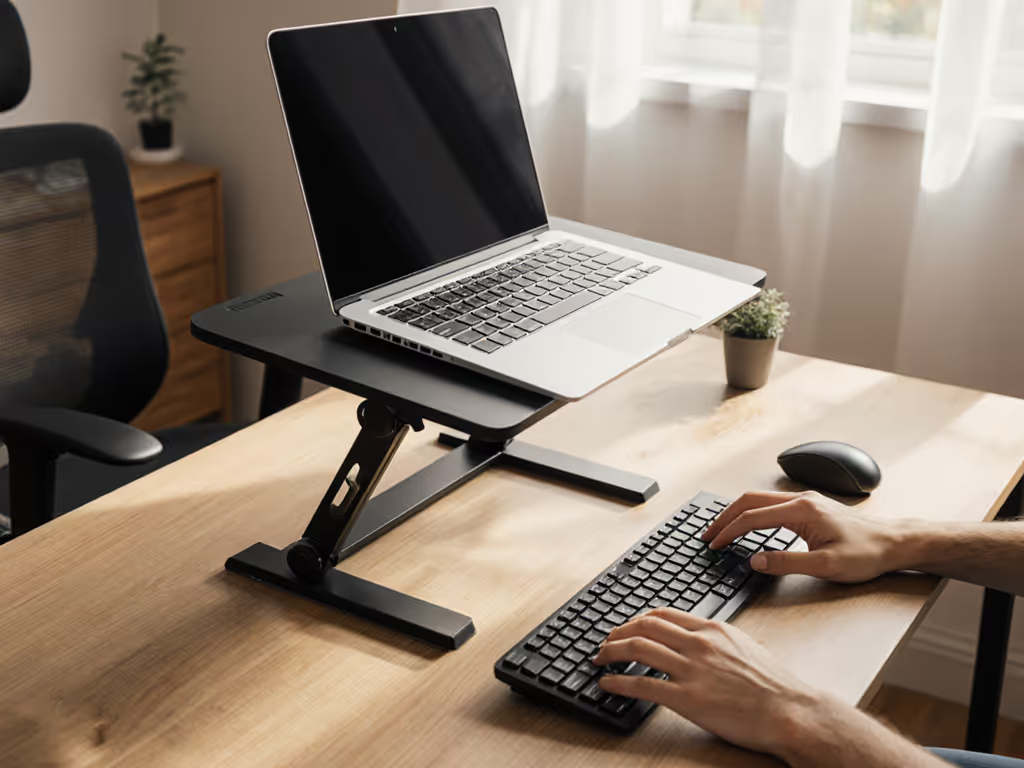
- Distance from desk edge: Position the stand base 4-6 inches back to avoid wrist extension when reaching the keyboard.
Setup time checkpoint: Your entire adjustment process (from start to call-ready posture) should take under 90 seconds. If it does not, the setup will degrade throughout the day.
Desk Depth and Stand Height Windows
Not all desk configurations allow the optimal zone. Shallow desks (< 24 inches) force you to choose between screen distance and stand footprint. The trade-off: move the stand further back and raise the screen higher, or accept closer viewing distance and reduced tilt flexibility.
Your height also matters critically. Users taller than 6'2" often find standard stands max out below their optimal height; those under 5'3" sometimes find even the minimum lift too high. A Comfort Range (minimum lift to maximum lift) of at least 3-4 inches accommodates this variation without requiring multiple purchases.
Risk-Reduction Tips
- Test before committing: Rent or borrow a stand matching your calculated height window. Spend a full workday at that height and track whether your problem-solving speed improves and whether neck tension decreases by day's end.
- Monitor thermal impact: Elevated screens sometimes obstruct airflow to your laptop's cooling vents. Check CPU/GPU temperatures before and after adjusting height; if they rise 5°C or more, you have introduced a new bottleneck[4]. If temps climb, review the thermodynamics of cooling stands to understand airflow, throttling, and material choices.
- Pair with an external keyboard: Screen height adjustments work only if your keyboard follows. Without a separate keyboard and mouse, raising your screen introduces wrist extension, negating the cognitive benefit.
- Verify stability under load: Type aggressively for 5 minutes at your target height. Any wobble or creep signals instability that will degrade focus over time.
- Document your setup: Photograph your screen height, stand position, and distance markers. When you travel or reconfigure your desk, refer to this reference point rather than guessing.

The Cascading Benefit: Beyond Comfort
Optimal screen height yields compounding returns: reduced neck tension improves blood flow and oxygen delivery to your brain[2], which sharpens focus and accelerates problem-solving. Proper positioning decreases error rates, which reduces rework cycles and mental frustration. On video calls, eye-level camera positioning projects confidence and attentiveness - your cognitive gains translate into professional presence. For camera framing and presence, see our eye-level camera guide.
Research on chunk learning and cognitive load optimization shows that even small reductions in extraneous load - the mental effort wasted on compensating for poor conditions - meaningfully improve comprehension and retention[4][5]. Your screen height is one of the most direct levers you control.
Moving Forward: Measurement and Iteration
Take three measurements this week:
- Current setup: Measure the distance from your sitting eye level to your screen center. Note any neck tension or focus drift patterns.
- Adjusted setup: Move your screen to the optimal height window calculated above. Work at that height for 3-5 days, tracking focus clarity and error rates.
- Subjective performance: Note whether problem-solving feels sharper, whether decision-making accelerates, and whether end-of-day fatigue decreases.
The goal is not perfect ergonomics - it is measurable cognitive performance. If your adjusted setup improves response latency, reduces errors, or extends your deep-work window, the change is worth embedding. If it does not, iterate: adjust tilt angle, viewing distance, or stand model rather than reverting to poor positioning.
Cognitive load optimization is not about being comfortable; it is about removing invisible friction that taxes your brain. Screen positioning is the fastest, lowest-cost intervention available. Start small, measure carefully, and let data guide your next setup decision.
Related Articles