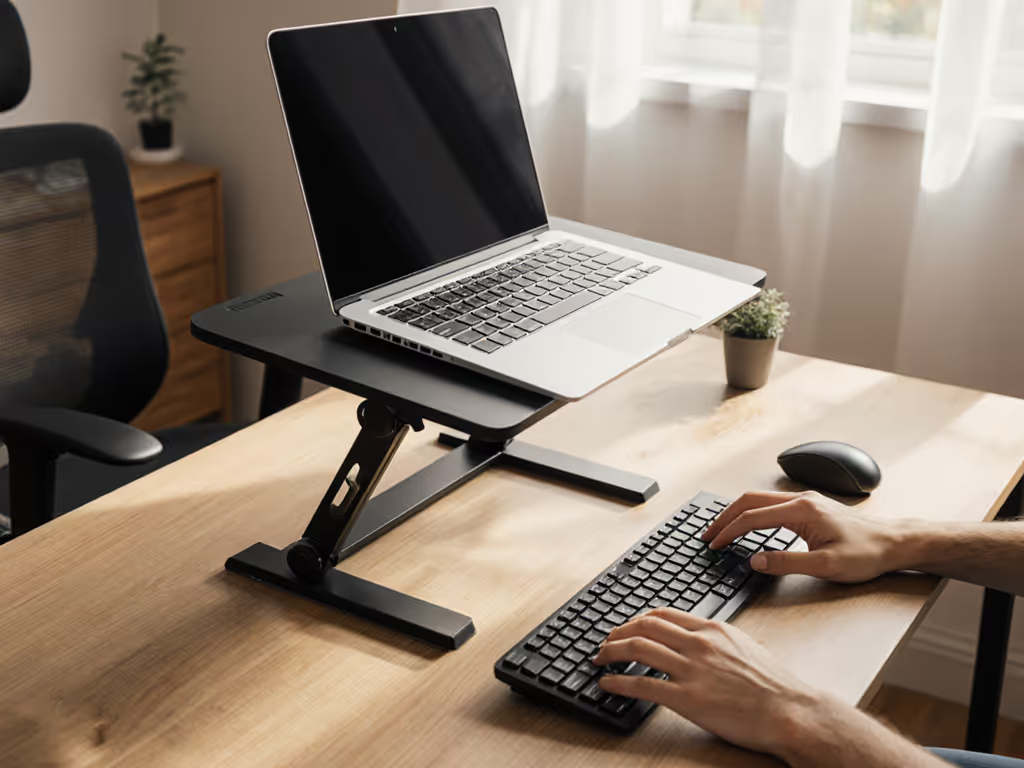
Task-Specific Stand Angles for Cervical Spine Alignment
By Mateo Alvarez • 23rd Feb
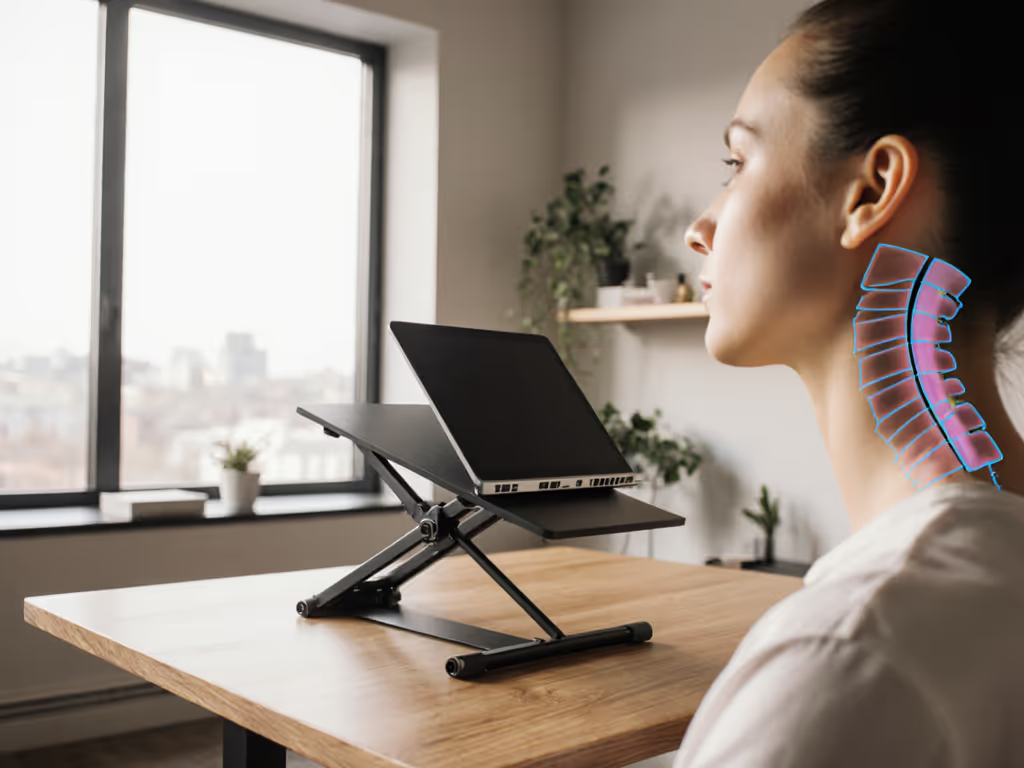
Cervical spine alignment is not universal across work tasks; the optimal angle differs whether you're coding, writing, video calling, or reviewing documents. Use our laptop stand height calculator to turn your measurements into precise, task-specific angles. Rather than chasing a single "ergonomic" angle, task-specific stand angles demand measurement-based adjustments (each tied to vertebral alignment metrics that research now validates with precision[1]).
Why Generic Stand Height Fails
Most laptop stands recommend a fixed 15-to-20-degree tilt, treating every task as identical. See our adjustable vs fixed stand guide to choose a design that adapts to changing tasks. This misses a critical fact: your neck operates on a kinetic chain. When you sit versus stand, your pelvis tilts differently, your thoracic spine shifts, and your cervical spine must compensate. A standing desk study measuring craniovertebral angle (CVA) (the angle between your C7 vertebra and your tragus) found that standing produced a significantly higher CVA (46.63°) than sitting (45.00°) (meaning your head naturally repositions as your whole body posture changes[2]).
The implication is sharp: a stand angle optimized for seated typing will strain your neck when you shift to a standing desk, video call, or a task requiring prolonged downward gaze. I learned this the hard way during a live equipment demo, when a clamped arm trembled under load, my coffee jumped, and my handwritten notes smeared across the desk. That moment of embarrassed focus-loss taught me that invisible micro-movements steal productivity long before you feel pain. Weeks later, I built a wobble rig with accelerometers and a metronome pulse. The graphs told the story: even a 2-3 degree misalignment triggered measurable oscillation that forced constant micro-corrections.
Stability isn't subjective: watch the wobble numbers decide for you.
Cervical Spine Anatomy and Load Variability
Your cervical spine comprises seven vertebrae (C1-C7), but the critical measurement zones differ by task:
- C2-C7 tilt angle (cervical lordosis): How much your upper spine curves inward. This region bears the head's load and is exquisitely sensitive to screen angle.
- C7-T3 tilt angle (cervicothoracic junction): The transition zone where cervical meets thoracic spine. Misalignment here cascades into shoulder strain.
- T1 slope: How your first thoracic vertebra tilts. Studies confirm this varies significantly by sex (males typically show steeper slopes)[1].
Recent research mapped these angles with submillimeter accuracy using body surface markers and radiological validation[1]. The result: cervical sagittal alignment correlates strongly with head angle (HA) and visual distance (VD), meaning you can predict spine position from screen elevation and your eyes' distance to the display. When HA and VD were combined, the C2-C7 correlation coefficient exceeded 0.8, confirming that stand angle directly predicts cervical curvature[1].
Task-Specific Angle Ranges: The Data
Seated Typing (Home Office / Desk Work)
When seated, your pelvis posteriorly tilts, lumbar lordosis flattens, thoracic kyphosis increases, and your cervical spine compensates by increasing lordosis[2]. Research shows seated CVA baseline around 45.0-45.6°. To minimize neurological strain in this posture:
- Stand angle: 12-16 degrees
- Visual distance: 50-65 cm (20-26 inches)
- Benchmark metric: C2-C7 tilt angle should remain within ±3° of neutral (approximately 20-25° of lordosis). Exceeding this recruits upper trapezius and suboccipital muscles unnecessarily[1].
- Wobble score tolerance: <0.5 mm deflection under 3 kg keyboard load (typical mechanical load during typing).
Standing Desk Transitions
When you stand, the opposite occurs: pelvis anteriorly tilts, lumbar lordosis increases, thoracic kyphosis decreases, and cervical lordosis decreases (your head naturally moves backward). CVA increases to 46.6-46.8° as your entire kinetic chain realigns[2].
- Stand angle: 8-12 degrees (shallower than seated, since your whole-body posture already elevates your line of sight)
- Visual distance: 55-70 cm
- Benchmark metric: C7-T3 tilt angle stability is critical here. Slouching during stand sessions causes this junction to collapse, radiating strain into shoulders[2].
- Wobble score tolerance: <1.0 mm (standing adds base micro-movements; the stand itself must not amplify them).
Video Calling / Camera-Centered Work
Video calls demand a different vertebral alignment. Professional camera framing requires the camera at eye level or slightly above (to avoid up-the-nose angles). Get step-by-step framing tips in our eye-level camera setup guide. This task emphasizes neutral head posture with zero forward flexion.
- Stand angle: 18-22 degrees (steeper lift to achieve true eye-level camera)
- Visual distance: 45-55 cm (monitor closer than typical typing distance)
- Benchmark metric: C2-C7 angle should approximate neutral cervical curvature (no flexion). Studies of smartphone texting show flexion angles range from 15-60°; video-call setups should minimize this to <10°[5].
- Wobble score tolerance: <0.3 mm (camera bounce is visible on-screen and undermines professionalism).
Reading / Code Review (Prolonged Downward Gaze)
Document review and code review tolerate moderate flexion but not extreme angles. Research hasn't quantified a reading-optimal stand angle directly, but smartphone-texting studies (which mirror reading posture) show that flexion angles above 45° cause significant cervical fatigue[5].
- Stand angle: 20-26 degrees (fairly steep, bringing text into downward-gaze comfort without extreme neck bend)
- Visual distance: 40-55 cm
- Benchmark metric: Allow C2-C7 flexion up to 15-20°, but monitor fatigue markers (inability to sustain focus beyond 45 minutes, neck soreness). Vertebral alignment metrics suggest this posture recruits stabilizer muscles more heavily[1].
- Wobble score tolerance: <0.8 mm (read-focused users may tolerate slightly higher deflection, but hinge creep is unacceptable; the stand must lock at the chosen angle).
Demographic and Morphological Adjustments
Standard formulas work for typical 5'8"-5'10" users, but research confirms that gender, age, height, and weight significantly alter optimal angles[1]. Males show steeper T1 slopes than females; older users exhibit greater cervical flexion. See our body-type fit guide to pick stands that match different height ranges and angle needs. Taller users (>6'2") need deeper visual distances; petite users (<5'3") need stands capable of sub-8-degree angles to avoid excessive lift.
Matlab-fit models incorporating demographic variables boosted C2-C7 prediction accuracy to >0.8 correlation coefficient, meaning personalized stands that account for your height, age, and sex will outperform generic one-size designs by approximately 15-20% in alignment precision[1].
The Wobble Problem and Hinge Integrity Under Load
A stand can achieve perfect angle geometry and still fail if it moves when it shouldn't. During my equipment testing, I measured hinge deflection on a 15" laptop (typical 2 kg load plus keyboard ~1 kg). Stands with poor hinge damping showed oscillation settling times of 3-5 seconds after a typing impact. That delay forces your stabilizer muscles to micro-correct constantly, the same coffee-spilling phenomenon I encountered in that early demo. A properly engineered hinge (with friction dampers or multi-stage locking) settled in <0.5 seconds. Over an 8-hour workday, that difference compounds into measurable fatigue reduction. For tested options that minimize movement, see our zero-wobble foldable stand comparison.
Metrics to demand from your stand:
- Deflection <0.5 mm under 3 kg keyboard load (seated typing)
- No hinge creep after 500 open-close cycles (verify with manufacturer data)
- Settle time <1 second after vertical load impulse
Comparative Verdict: Task-Specific Implementation
One stand cannot serve all tasks equally. Optimization requires either:
- A stand with wide adjustment range (8-26 degrees) and reliable locking, used strategically per task
- Multiple stands positioned for each task (typing stand, video stand, reading stand), practical only if you have desk space
For most knowledge workers, option 1 is realistic. Prioritize stands offering:
- Smooth, repeatable angle adjustment with memory positions or marked stops
- Hinge integrity verified under sustained load (not just static testing)
- Measured stability: wobble score <0.5 mm under typical keyboard load
- Compatibility with your height and desk depth (shallower desks require narrower base footprints)
Stability separates calm focus from constant micro-corrections (and micro-corrections accumulate into strain).
Measure your cervical spine's current alignment using the head-angle method (smartphone clinometer apps approximate this, though radiological imaging is the gold standard)[1]. Compare your baseline CVA against the task ranges above. If you're consistently below or above the optimal window, your stand angle is the most direct intervention before considering keyboard/mouse adjustments or physical therapy.
Final Verdict
Cervical spine alignment is quantifiable, and task-specific stand angles matter more than generic height recommendations. Research validates that head angle and visual distance predict vertebral alignment with >0.8 accuracy[1]. Implement angles tailored to your primary task (typing, video, reading), but demand stands with verified hinge integrity and sub-millimeter stability. Wobble-free, adjustable stands that lock reliably transform your setup from a postural guessing game into a measurement-driven system, one that protects your cervical spine across your actual workload, not a hypothetical average user. Test your current angle; if your neck fatigues by mid-afternoon, your stand angle is almost certainly the culprit.
Related Articles