ThinkPad X1 Fold Stand Guide: Fix Your Dual-Screen Ergonomics
By Maya Okafor • 4th Dec
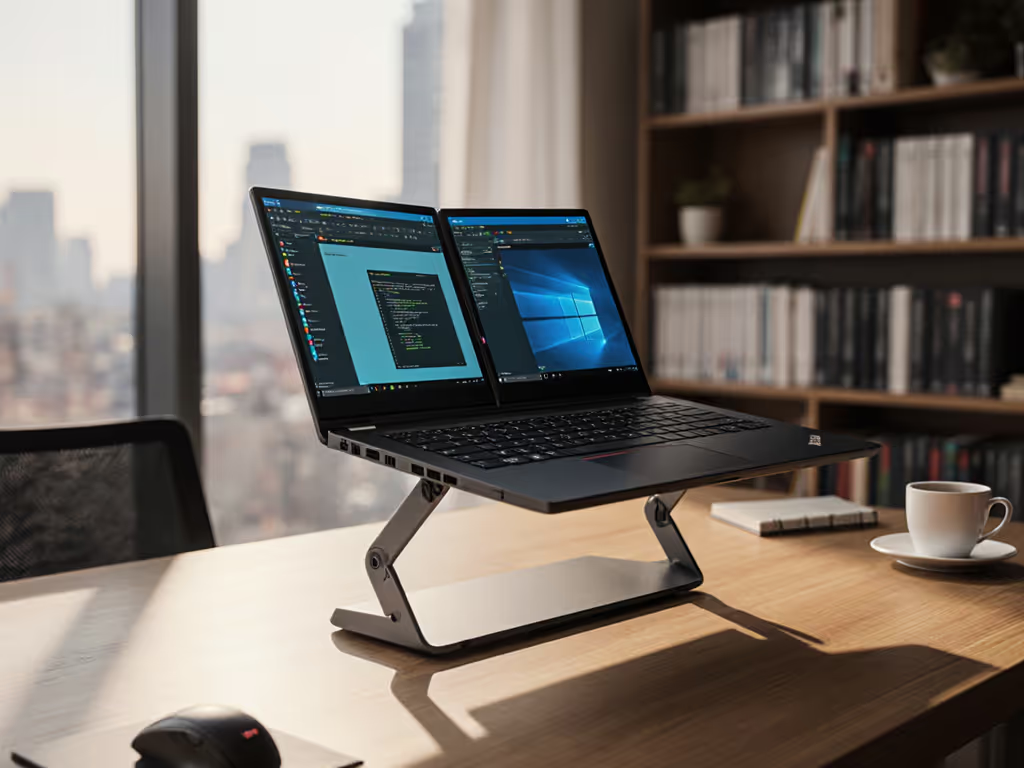
If your neck aches after video calls or your wrists burn from awkward typing angles, you're not alone. Finding the right foldable laptop stand for devices like the ThinkPad X1 Fold requires more nuance than standard setups. Most stands fail at accommodating the dual laptop vertical stand challenge (where screen height must align with eye level while preserving typing comfort across folded and unfolded states). The good news? Confidence starts with numbers you can collect in five minutes. Let's transform your workspace with measurement-first precision.
Why Foldables Demand Smarter Setup
Traditional stands assume one fixed screen position. But with the ThinkPad X1 Fold's 16.3-inch flexible display (measuring 13.6" x 10.9" when unfolded), you're juggling four modes: tablet, book, landscape, and portrait. Each shifts your optimal eye-line height. If you frequently switch between modes, compare options in our convertible laptop stands guide for tablet-mode stability. I recently watched a designer solve her shoulder pain not by buying another stand, but by realizing her unfolded screen sat 5" too low while her folded setup forced wrist extension. Sound familiar?
The magic lies in three numbers that anchor your ThinkPad X1 Fold stand decision:
- Your seated eye height (measured from floor to pupil)
- Your desk depth (front edge to back wall)
- Your device's folded thickness (critical for clearance)
Picture this: Slide your back against the chair. Rest a book vertically on your lap. Have a friend mark where the book meets your eye (that's your seated eye height measurement). No tape? Use wallet thicknesses (most are 0.4") as units.
Your 5-Minute Measurement Workflow
Forget complicated ergo charts. Here's how to capture what matters for flexible display ergonomics, using tools you already own:
Step 1: Map Your Eye Horizon
- Sit naturally at your desk
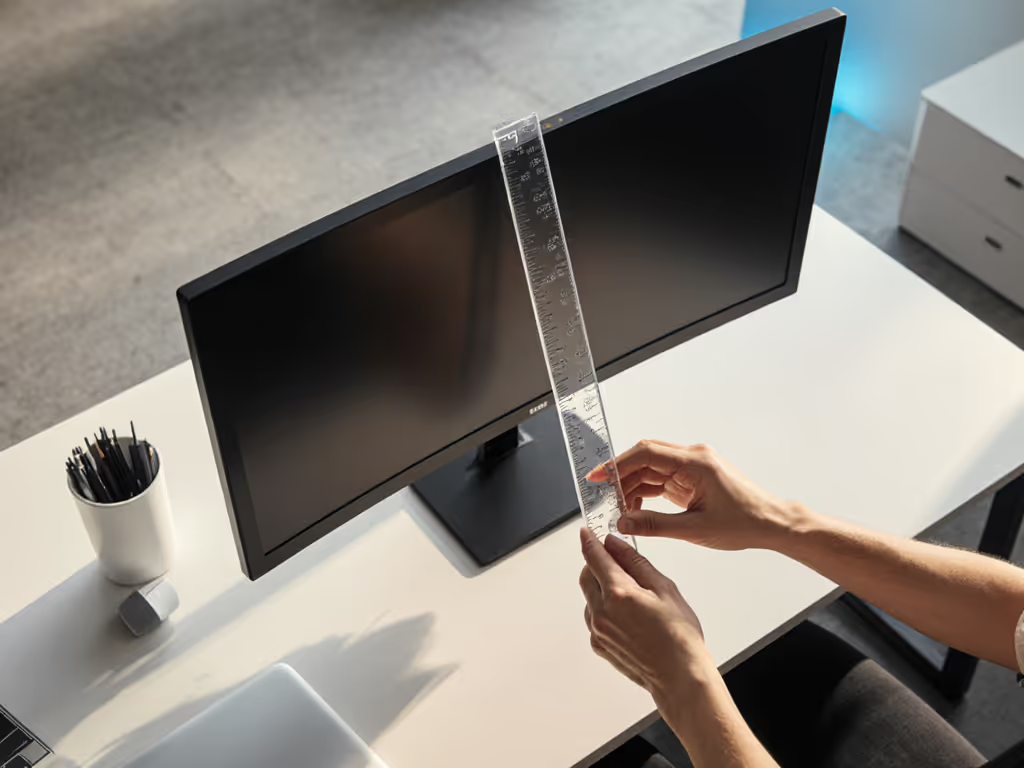
- Place a ruler vertically against your monitor
- Note where the top of your eyebrow aligns (roughly pupil level)
- Measurement mnemonic: "Eyebrow = Eye-Level"
Why this works: Our pupils sit 1-2" below eyebrows, perfect for aligning screen tops at natural gaze height. For the ThinkPad X1 Fold, this number determines your minimum lift requirement whether using it folded (12" mode) or unfolded. For precise measurements tailored to your desk and body, use our eye-level height calculator.
Step 2: Measure Desk Real Estate
- Press a pen flat against your desk's front edge
- Slide it backward until hitting a wall or monitor arm
- Mark where it stops (this is your usable depth)
Crucial for shallow desks: The ThinkPad X1 Fold's folded width (10.9") eats into this space. If your usable depth is under 18", your dual-screen positioning options shrink dramatically. Many stands consume 6-8" of depth, leaving no room for keyboards.
Step 3: Capture Folded Thickness
- Fold your ThinkPad X1 Fold completely
- Stack three credit cards (≈0.48") on its spine
- If cards slide off, your thickness is <0.5" (like the X1 Fold's 0.69" folded height)
Why this matters: Most stands need 0.75-1" clearance under the hinge. Too little space = wobble. Too much = unstable lift. This single number filters out 80% of incompatible stands.
Finding Your Fit Window
Now we translate measurements into action. Your fit window is the precise range where:
- Screen top aligns with your eyebrow mark (from Step 1)
- AND keyboard sits at elbow height
- AND hinge clearance accommodates your folded thickness
For example: At 5'6" with a 24" desk depth, your numbers might look like:
| Measurement | Your Value | Target Range |
|---|---|---|
| Seated eye height | 40" | 38"-42" |
| Desk depth | 22" | Must fit stand + keyboard |
| Folded thickness | 0.69" | Needs ≥0.75" clearance |
Here's where most buyers stall, because they seek one perfect height instead of a range. Your fit window should span at least 2" vertically to accommodate posture shifts. A stand maxing out at 3.5" lift fails if your ideal is 3.75". Always prioritize minimum lift height (for eye alignment) over maximum.
Remember: Start with measurements, not vibes... find your beginner-friendly fit. I've seen new remote workers skip this step only to buy stands that left them staring upward like meerkats.
Why Stock Stands Often Fall Short
The included ThinkPad Bluetooth keyboard stand? Clever but limited. Its 4" maximum lift works only for users under 5'4" at standard desks. And its fixed hinge angle forces wrist extension when typing on the device itself. For taller users or standing desks, this creates a reverse ergonomic problem: protecting your neck sacrifices your wrists.
Better solutions adapt to your numbers:
- Dual-height stands with 3"-6" range accommodate 95% of adult heights
- Hinge-locking mechanisms prevent slide-down on slick magnesium chassis
- Fold-flat designs preserve desk depth (critical for corner setups)
Always verify actual lift height, not advertised specs. If you're deciding between adjustable and fixed designs, see our adjustable vs fixed-height guide to pick the right range without guesswork. Many stands measure from base to bottom of screen, ignoring the 0.5" device thickness that eats into usable height. Subtract your folded thickness from claimed lift to get true screen elevation.
Actionable Next Step: Measure Before You Move
Don't risk return fatigue from another ill-fitting stand. Before browsing "best stands" lists:
- Grab your tape measure (or ruler + credit cards)
- Capture the Triad: Eye height, desk depth, folded thickness
- Calculate your fit window: Eye height - desk height - 2" (for screen width)
Your numbers are non-negotiable. A stand hitting 4.2" lift fails if your window is 4.5"-5.0". Conversely, a 6" monster stand wastes money if you only need 3.8". I've seen clients halve their search time by focusing on their measurements first.
That designer I mentioned? She measured her eyebrow mark at 41". Paired with her 26" desk and 0.69" folded X1 Fold, she needed exactly 4.3" lift. Within a day, she'd found a stand with 4.0"-4.5" range, ending six months of shoulder pain. Her win wasn't buying gear; it was trusting the numbers.
Your move: Measure today. Choose tomorrow. Your perfect dual laptop vertical stand isn't about fancy features, it's about your fit window.
Related Articles